

From sign-up to a live site with your own domain
No developer, no hosting account, no smart contracts to deploy. The wizard builds your site, the builder makes it yours, and one DNS record puts it on your domain.
Eight short steps, no code
Every step is saved as a draft, so you can stop and continue later. The wizard takes about ten minutes.
Account
Sign up with e-mail and password, or sign a free message with MetaMask, Rabby, Coinbase Wallet or another browser wallet. No e-mail or password needed, nothing is sent to the chain.
Project
Your project name and a one-line description of what it does.
Token
Paste your contract and pick the network: name, symbol and decimals are read straight from the chain. No token yet? That is an option too.
Logo & colours
Upload your logo and the wizard suggests colours taken from it.
Socials
Where people can find you: website, X, Telegram, Discord and more.
Utilities
Choose what your site offers: swap, staking pools, token migration, buy crypto, donations, token chart, TVL page and token scanner.
Company & contact
Company details appear in your footer and About page. Your contact details stay private.
Review & create
“Create my site” builds the site right away: home, a page per utility and an About page, already published to your private preview.
Preview privately, then make it yours
Your new site opens in a private preview only you can see. From there the full-screen builder lets you change the theme, every section, the header and footer, colours and fonts.
- Drafts until you press Publish; every page keeps a history you can restore.
- Desktop, tablet and phone preview side by side with your edits.
- Change your utilities, token or socials later in Project info.
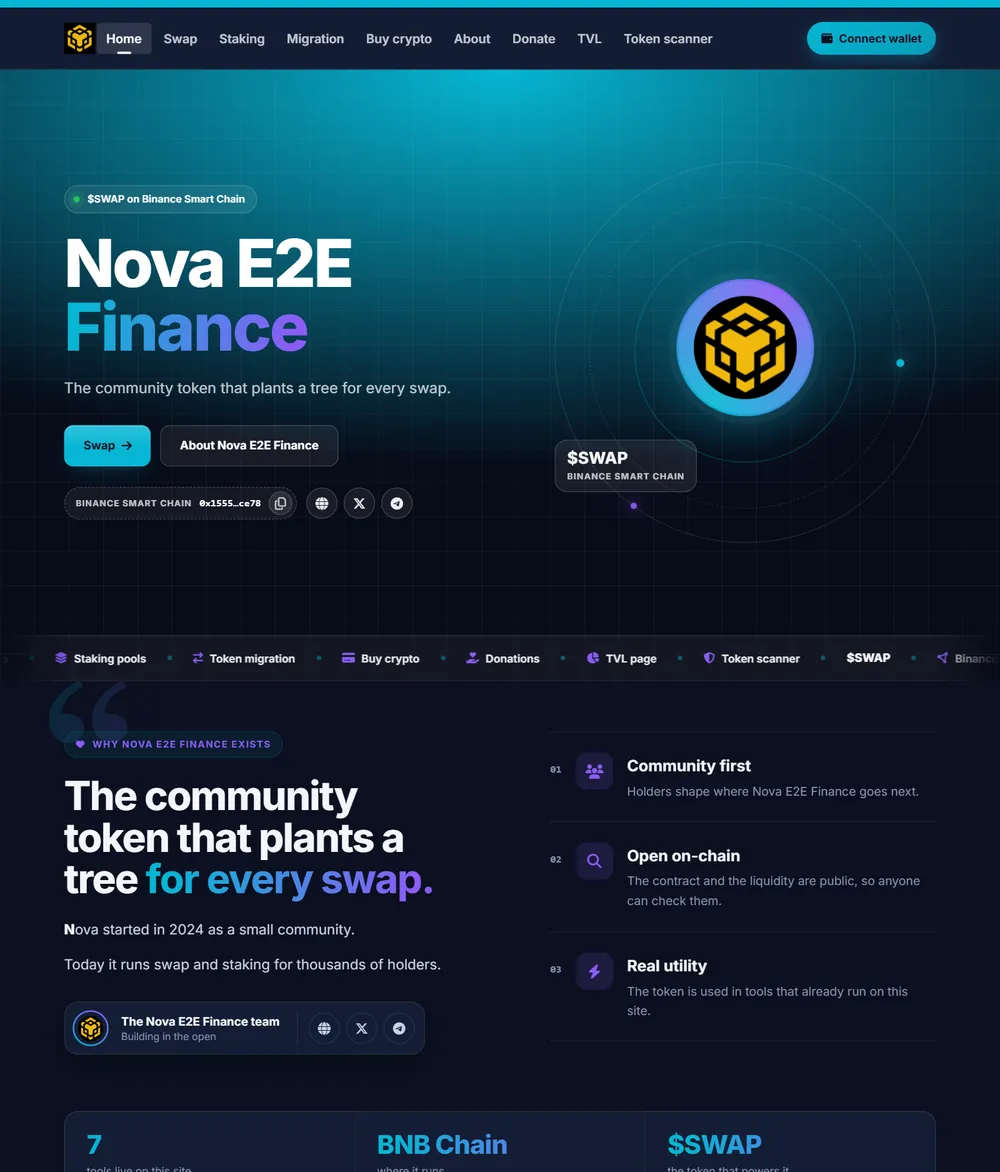
Put it on your own address
Two ways to go live. Both come with HTTPS at no cost.
Your own domain
- Open Domain & SSL in your portal and enter your domain, a root domain or a subdomain.
- Add the one DNS record the portal shows you at your domain provider. Step-by-step help is included for common registrars.
- The portal checks the record for you. When it is found, click Activate SSL.
- A free Let’s Encrypt certificate is issued and renews by itself. Your site is live.
A free name.dapphub.net address
No domain yet? Claim a free yourproject.dapphub.net name in the portal. It shows your DeFi CMS site over HTTPS within about a minute, with nothing to configure, and you can move to your own domain later.
Run it from one portal
Set your payout wallet and commission, follow every swap and fee on your site, add pages, manage pools, migrations and donations.
Start Your Project Site Today
Answer eight short questions, pick a theme and switch on the tools you want. It is free to start: SafeSwap only earns a small fee when your visitors use the tools.